App Acquisition Creative

UGC Video GeneratorBy IndianUGC Team10 min read

How to Make AI UGC Video Ads for Mobile Apps

To make an AI UGC video ad for an app, choose one user problem and one in-app action. Write a 15-to-30-second script that moves from problem to screen proof to outcome, generate only the creator or lifestyle shots that add context, and insert real screen recordings during editing. Test three hooks while keeping the app flow, offer, CTA, audience, and landing page fixed.

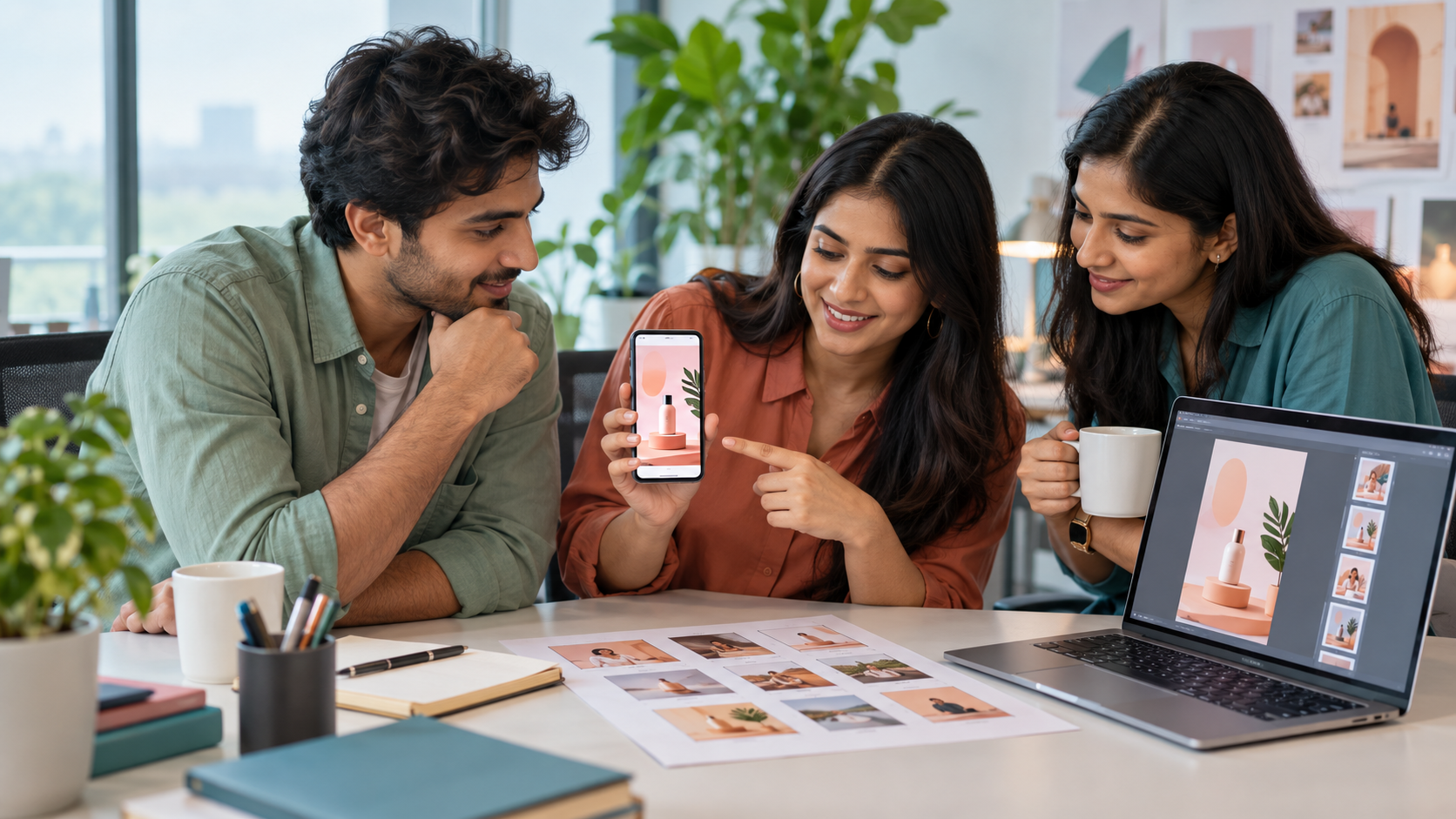
Indian performance marketing team reviewing a creator-style mobile app video ad on a phone and laptop

What is an AI UGC video ad for a mobile app?

An AI UGC video ad for a mobile app is a creator-style acquisition video that combines a believable user situation with real evidence from the app. AI can generate the presenter, room, reaction, voice direction, or transition shots, while genuine screen recordings show the interface and result. The format works because the creator explains why the app matters and the screen proves how it works.

Creator layer: names the problem in language the target user recognises.

Product layer: shows one real tap path, feature, or outcome on screen.

Trust layer: avoids fabricated reviews, fake notifications, or invented app features.

Action layer: ends with the exact next step available on the store or landing page.

Build the first draft in /dashboard/ugc-video after the proof screen is selected.

What is the fastest workflow for making an app video ad?

Start with the screen proof, not the avatar. Record the shortest in-app sequence that resolves one buyer hesitation, then write the hook and creator line around that evidence. This prevents a polished presenter from promising something the product does not do and usually cuts the first draft to six simple shots.

1. Choose one audience and one painful moment, such as missed expenses or slow appointment booking.

2. Select one product action that visibly improves that moment.

3. Capture a clean screen recording with safe demo data and no private information.

4. Write one hook, one explanation, one proof line, and one CTA.

5. Generate the creator shots with simple actions and room for the screen insert.

6. Edit the real interface into the draft, add approved captions, and review on a phone.

How should you script an AI UGC app ad?

Use a four-part script: friction, discovery, proof, next step. The creator should describe a specific before-state, introduce the app without an exaggerated testimonial, point to one visible feature, and give a CTA that matches the destination. Keep the spoken copy short enough for natural delivery and let the screen recording carry precise interface details.

Hook: ‘I kept losing track of small work expenses until I changed this one step.’

Discovery: ‘Now I capture the receipt as soon as I pay.’

Proof: show the real capture and category flow while the creator explains the useful outcome.

CTA: ‘See how the workflow works’ or the exact approved install, trial, or signup action.

Use /blog/ugc-video-script-examples-india for more hook-to-proof structures.

Use /blog/ugc-video-generator-prompts-india to translate the script into a controlled generation prompt.

Which app screens should appear in the ad?

Show the smallest screen sequence that proves the promise. Most ads need an input, one meaningful action, and a result—not a full product tour. Crop close enough for mobile viewing, slow the important tap, and use an overlay or zoom added in editing rather than asking an AI model to recreate exact interface text.

Utility app: the task, one action, and the completed state.

Finance app: a safe demo flow with no real account, transaction, or personal data.

Learning app: the lesson action and a truthful progress view, without guaranteed outcomes.

Commerce app: search or discovery, product detail, and the real purchase step or offer.

B2B app: the manual problem, one workflow improvement, and the relevant dashboard result.

Do not show hidden settings, unavailable features, fake ratings, or results the user cannot reproduce.

How do you prompt the video generator without corrupting the interface?

Do not ask the generator to reproduce the app UI. Prompt the creator, setting, camera, emotion, prop, and timing, then reserve a clean beat for a real screen recording. If a phone appears in the generated shot, keep its display generic or replace it in post. This is more reliable than expecting generated buttons, icons, numbers, and text to remain accurate.

Creator: one relevant Indian user role, described generically rather than as a real customer.

Setting: one believable place where the problem occurs, such as a commute, desk, shop, or home.

Action: one simple glance, tap, or reaction; avoid complex finger choreography.

Camera: vertical 9:16, phone-level framing, natural light, clear space for captions.

Guardrail: no readable generated UI, logos, reviews, metrics, testimonials, or unsupported results.

Edit note: insert the approved screen recording and precise product copy afterward.

What should you check before launching an app install ad?

Review the finished video against the live product and destination. Every screen, feature, price, trial term, permission claim, and CTA must match what the user can access. Watch once with sound and once muted on a small phone, then ask someone unfamiliar with the app to explain the problem, proof, and next action after one viewing.

Product truth: the shown flow exists in the promoted app version and market.

Privacy: screen recordings contain demo data, with names and notifications removed.

Claims: savings, earnings, health, finance, or performance statements have appropriate support and review.

Clarity: the product appears early and captions remain readable inside the placement-safe area.

Continuity: the store listing or landing page matches the feature, offer, geography, and CTA.

Rights: voice, likeness, music, screenshots, and customer material are approved for paid use.

How should you test mobile app video ads?

Test one creative question at a time. Begin with three hooks around the same audience problem and the same screen proof. Keep the offer, CTA, destination, audience logic, runtime, and media setup comparable. Once a hook wins, test a different proof moment or creator context instead of producing five unrelated ads that teach the team nothing.

Round one: problem hook versus demonstration-first hook versus outcome hook.

Round two: winning hook with two proof sequences from the real app.

Round three: winning structure with one justified language or persona adaptation.

Measure qualified installs, activation, trial starts, purchases, or the app's real value event—not views alone.

Use /blog/ugc-video-generator-ad-variations-india to keep generated variants controlled.

Use /blog/ugc-video-ad-length-india to compare durations without changing the core message.

App video ad production decision table

Creative need
Best source
Main risk to check
Explain the user's problem
AI or filmed creator shot
Generic acting or a problem the audience does not recognise
Show the app workflow
Real screen recording
Outdated UI, private data, or unreadable crop
Show a personal testimonial
Real consenting user or creator with substantiation
Fabricated experience or misleading endorsement
Test three opening hooks
AI UGC variants around one locked proof sequence
Other variables drifting between versions
Show exact pricing or trial terms
Approved text added in editing
Mismatch with the live destination
Localise a proven ad
Reviewed language adaptation with the same product truth
Translated phrasing or changed offer

Best For

Indian app founders building paid-social acquisition creative

Growth teams with real screen recordings but limited creator footage

Agencies testing app hooks, personas, and language directions

Products with one demonstrable action linked to activation or purchase

Not Ideal For

Fabricated customer testimonials, app ratings, notifications, or performance results

Ads for features, prices, or offers that are not live in the target market

Screen recordings containing real customer, account, health, or financial data

Campaigns where the destination and measurement event are not ready

Examples

Expense app: office worker names the receipt problem, then a real demo account shows capture, category, and completed entry.
Learning app: student explains a revision gap, while a real lesson screen proves the practice flow without promising exam results.
Appointment app: busy parent describes the scheduling friction, then the actual booking path shows available steps and confirmation.
Seller app: small-business owner frames a stock problem, followed by a demo inventory action and a truthful dashboard result.

FAQs

Can an AI UGC video generator make ads for mobile apps?

Yes. Use it to create presenter shots, problem scenarios, hook variants, and language directions. Insert real screen recordings for the interface and feature proof, then review the final ad against the live app, store listing, offer, and privacy requirements.

How long should a mobile app video ad be?

Start with 15 to 30 seconds: enough time for one problem, one app action, one useful outcome, and one CTA. Use a longer version only when the product needs more proof. Compare durations using the same hook, flow, offer, and audience.

Should AI generate the app interface in the video?

No. Generated interfaces often change text, icons, numbers, and steps. Record the real app with safe demo data and insert that footage during editing. Use AI for the creator and context shots that surround the accurate product proof.

What is the best hook for an app install ad?

The best hook names a specific user problem that the next screen can prove the app resolves. Test a problem question, a demonstration-first opening, and a concrete outcome hook while keeping the same app flow, offer, CTA, and audience.

How do I test UGC ads for an app?

Approve one base script and screen-proof sequence, then create three to five variants that change one declared element, usually the hook. Judge qualified installs and the app's activation or purchase event alongside creative metrics so a cheap but low-quality install does not look like a winner.

Can AI UGC replace real creators?

AI UGC is best for fast creative testing, early campaign drafts, hook exploration, and low-cost content volume. Real creators still matter for influencer distribution, creator trust, and testimonial rights.

Does AI UGC work for Indian audiences?

It can work well when the prompt includes Indian personas, local language, realistic home settings, product-in-hand moments, and duration-safe dialogue instead of generic global stock-style scenes.

What assets do I need to start?

A product name, a short product brief, and ideally one clean product image are enough to generate the first AI UGC video or product visual.