Beauty Product Images

Product Photography AIBy Indian UGC Team10 min read

AI Makeup Product Photography for Indian Beauty Brands

AI makeup product photography works best when a colour-accurate real product photo remains the source of truth. Capture the pack, applicator, texture, and swatch separately; use AI for controlled backgrounds and campaign scenes; then reject any output that changes shade, finish, label, cap, applicator, fill level, or product claims.

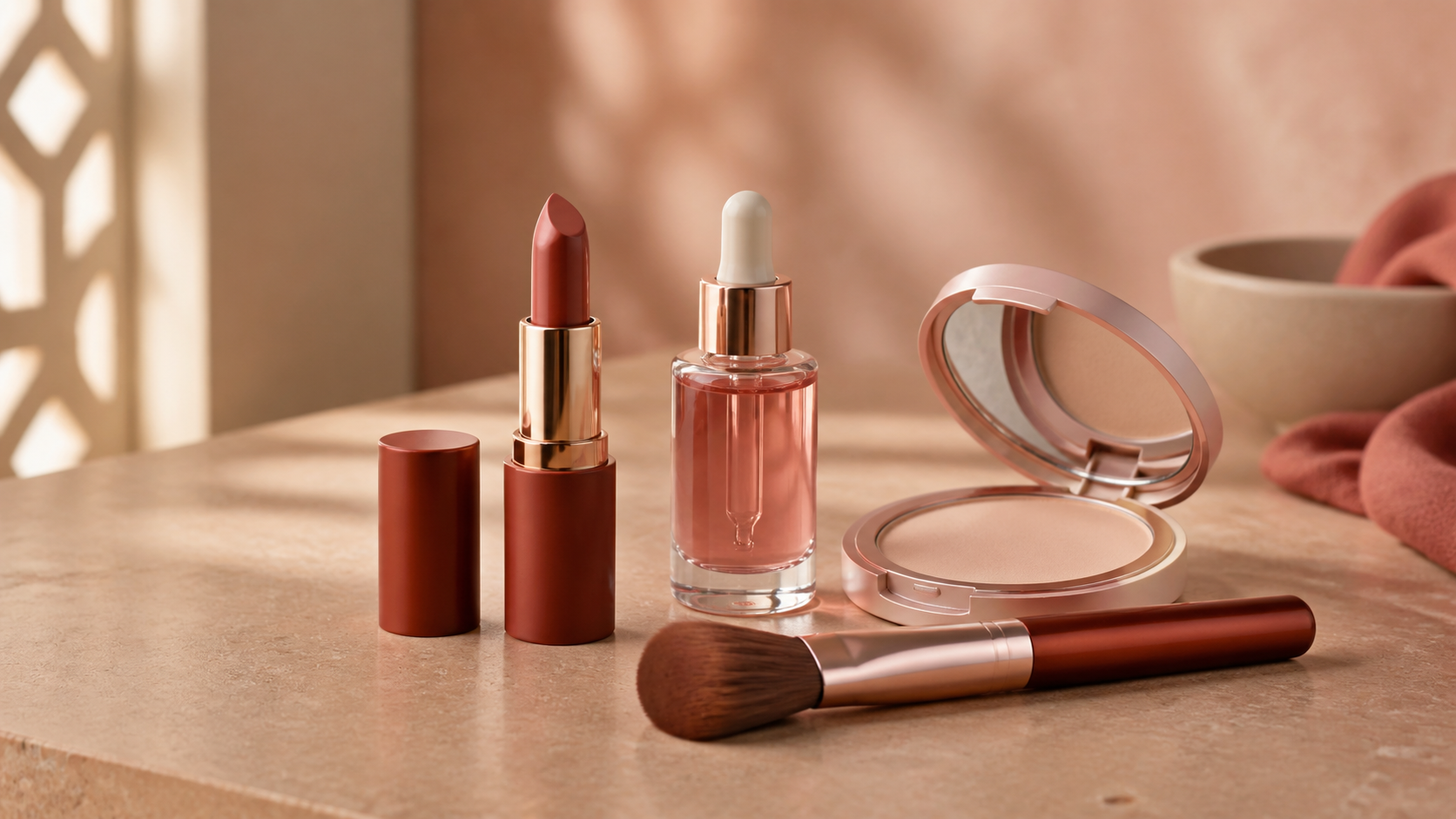
Makeup and skincare products arranged for AI-assisted beauty product photography

What is AI makeup product photography?

AI makeup product photography is a controlled image workflow that turns approved photos of cosmetics or skincare into new backgrounds, PDP scenes, crops, and ad variants. The real SKU remains the reference. AI can change presentation, but it should not redesign a lipstick bullet, alter a serum label, invent a shade, or make a product result look proven.

Start with /blog/ai-product-photography-for-ecommerce-india for the broader ecommerce workflow

Use /blog/ai-product-photography-backgrounds-india when the main problem is scene choice

Use /blog/ai-background-remover-product-photos-india when the source product needs a reusable clean cutout

Use /blog/ai-product-photography-prompts-india when prompts keep changing the pack, shade, or scale

Create offer-led variants only after product approval in /dashboard/static-ads

Which beauty product image should you create first?

Create the image that removes the nearest buying hesitation. For colour cosmetics, that is usually an accurate shade or swatch. For skincare, it may be texture, pack size, applicator, or routine placement. Keep the main product view conservative, then add one supporting image for one buyer question before producing campaign variations.

Lipstick and tint: closed pack, open bullet or applicator, controlled swatch, then a lifestyle scene

Foundation and concealer: pack and applicator first; photograph real shade swatches rather than asking AI to invent them

Serum and skincare: label-safe packshot, dropper or pump detail, texture macro, then vanity context

Powder, blush, and compact: closed case, open pan, surface texture, and scale reference

Marketplace listing: product-led main image first; use generated lifestyle scenes only where current platform rules allow

How do you photograph makeup for accurate AI variations?

Photograph the product in soft, neutral light with locked white balance, a clean background, and enough resolution to inspect small packaging details. Capture reflective packs from several angles and shoot applicators, textures, and swatches as separate references. The fastest AI workflow begins with better evidence, not a longer prompt.

Clean fingerprints, powder dust, pump residue, and the camera lens before shooting

Include front, back, side, cap, applicator, and an internal scale-reference frame

Use a neutral grey card or known colour reference when shade accuracy matters

Keep highlights controlled so metallic caps and glossy tubes retain their edges

Do not rely on generated text for ingredients, warnings, shade names, or claims

How should makeup swatches and textures be handled?

Treat swatches and textures as product evidence. Photograph the real formula under controlled light and disclose when an image is illustrative. AI can clean the surface or build a layout around an approved swatch, but it should not fabricate colour payoff, coverage, shimmer, absorption, or a before-and-after result that shoppers may interpret as proof.

Keep the real swatch colour, opacity, finish, and edge behaviour unchanged

Show one-pass and built-up coverage only when both were photographed from the real product

Avoid skin-tone substitution that changes how a shade appears

Separate decorative texture imagery from evidence used to choose a shade or formula

Never add dermatologist, clinical, cruelty-free, SPF, organic, or performance badges unless the brand can substantiate them

Why do AI beauty product photos look fake or misleading?

AI beauty photos fail when the pack and scene no longer obey the same physical rules. Common errors include floating bottles, warped labels, impossible reflections, extra applicators, altered lipstick shapes, invented shade names, and skin results that imply unsupported efficacy. Simplify the scene, preserve the real product layer, and move marketing claims into reviewed ad copy.

Wrong SKU: cap, pump, wand, pan, bottle, label direction, or fill level changes

Wrong colour: the pack, pigment, swatch, finish, or metal tone drifts

Wrong physics: shadows, reflections, droplets, powder, or product scale look impossible

Wrong promise: generated results or badges imply performance the asset cannot prove

Wrong job: a clean PDP image is forced to carry an offer, testimonial, and five benefits at once

When should beauty brands use a real shoot instead of AI?

Use a real shoot when exact shade, texture, ingredient label, applicator action, skin result, legal copy, or premium campaign craft is the asset's value. Use AI for background variations, seasonal scenes, regional context, and paid-social concepts after the real SKU is approved. If an image could change a purchase or safety decision, accuracy wins over speed.

Real shoot first: master packshot, shade range, swatches, texture, applicator, regulated copy, and substantiated results

AI first: vanity scene, gifting context, seasonal background, social crop, or concept testing

Static ad next: place the approved visual into hook and offer variants with /dashboard/static-ads

Video next: use /dashboard/ugc-video when application, routine, explanation, or creator-style trust needs motion

Makeup product photography decision table

Asset
Best first workflow
Reject when
Main PDP or marketplace image
Real packshot or strict clean-up
Pack shape, label, shade, or included item changes
Shade swatch
Photograph the real formula under controlled light
AI invents colour payoff, coverage, finish, or skin tone
Texture macro
Real macro capture with light retouching
Droplet, powder, viscosity, or sparkle misrepresents the formula
Lifestyle PDP image
Approved product placed in one vanity or routine scene
Product becomes small, warped, floating, or visually secondary
Paid-social static ad
Approved visual plus /dashboard/static-ads
Generated badge, claim, result, price, or label is not reviewed
Application video
Real demonstration or reviewed /dashboard/ugc-video concept
Motion implies a result the source material cannot support

Best For

Indian beauty founders building PDP and marketplace image sets

Cosmetics teams testing campaign scenes from approved product masters

Performance marketers turning accurate beauty visuals into static ads

Agencies producing controlled variants across many makeup or skincare SKUs

Not Ideal For

Inventing shade swatches, skin results, ingredients, certifications, or claims

Replacing accurate master photography for labels, applicators, and shade ranges

Publishing regulated, medical-style, SPF, or before-and-after claims without review

Luxury campaign heroes where physical set craft and exact material rendering are central to the brand

Examples

Lipstick launch: real tube and swatches first, AI vanity scene second, mobile static ad third.
Skincare serum: label-safe packshot, real dropper texture, restrained bathroom scene, then a benefit-led ad with reviewed copy.
Compact powder: open and closed real-product views, real shade reference, then one travel-pouch lifestyle image.
Kajal or mascara: real applicator and pack images; use AI for background and crop variations, not fabricated eye results.
Festive beauty campaign: preserve the approved product and add one restrained Indian festive cue rather than crowding the frame with props.

FAQs

Can AI be used for makeup product photography?

Yes, but use it as a controlled variation tool. Start with accurate photos of the real product and use AI for backgrounds, crops, and campaign scenes. Reject outputs that change the pack, shade, applicator, texture, label, fill level, or product claims.

What is the best setup for makeup product photography?

Use soft neutral light, locked white balance, a clean background, a stable camera, and separate reference photos for the pack, applicator, texture, and swatch. Add a colour reference when shade accuracy matters and control reflections on glossy or metallic packaging.

Should AI generate makeup swatches?

No, not when shoppers will use the swatch to choose a shade or judge performance. Photograph the real formula. AI may help arrange or clean an approved swatch image, but it should not invent colour, opacity, coverage, finish, or skin results.

How do I make AI cosmetic product photos look real?

Preserve the approved product layer, use one surface and one light direction, keep props restrained, match contact shadows and reflections, and compare every output with the real SKU. Simplify any scene that makes the product harder to verify.

When should a beauty brand choose a real photoshoot?

Choose a real shoot for master packshots, shade ranges, swatches, textures, applicator action, regulated labels, substantiated results, and premium campaign heroes. Use AI after those source assets are approved to create controlled scene and ad variations.

Can AI product photography replace a studio shoot?

For ecommerce testing, PDP refreshes, lifestyle scenes, and paid social variants, AI product photography can reduce dependence on studio shoots. High-stakes hero campaigns may still need a real shoot.

Is AI product photography useful for Indian marketplaces?

Yes, especially for lifestyle scenes, social ads, secondary PDP images, and category-specific visuals. Marketplace main images may still need strict compliance checks.

Can I generate product videos from one image?

Yes. A product image can guide the product appearance while the prompt defines the scene, creator, camera movement, and action.