Fashion Product Photos

Product Photography AIBy Indian UGC Team10 min read

AI Clothing Photography for Indian Fashion Ecommerce

AI clothing photography works when it protects the garment first: fit, fabric, colour, length, drape, print placement, and scale. For Indian fashion ecommerce, use AI for styling scenes, PDP supporting images, campaign variants, and static ads, but keep final packshots and size-sensitive visuals under stricter review.

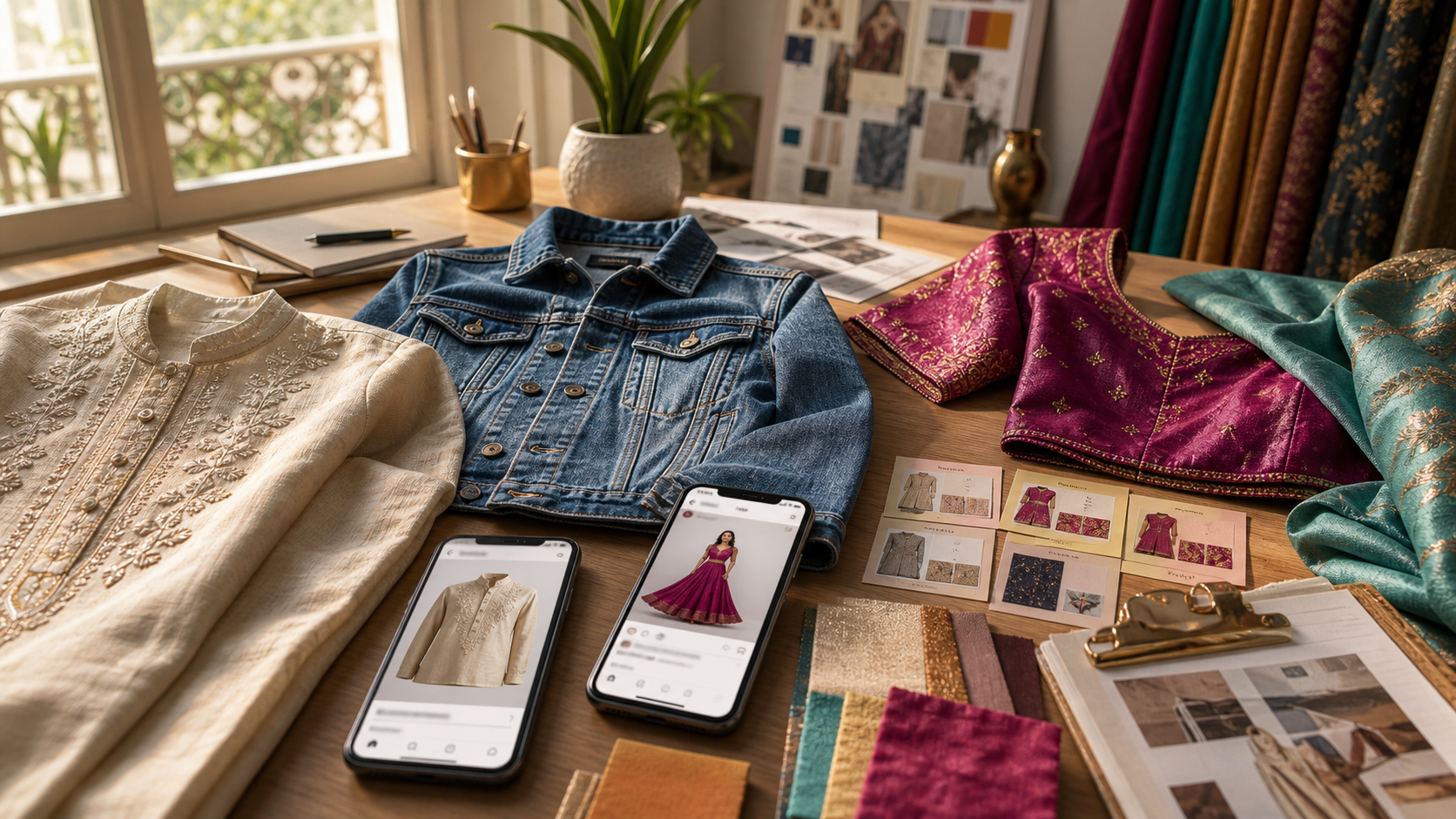
Indian fashion ecommerce team planning AI clothing photography for product pages and static ads

What is AI clothing photography?

AI clothing photography is the use of AI image generation or editing to turn apparel product photos into model, flat-lay, wardrobe, mirror, festive, office, travel, or paid-social visuals. The useful version is not just a pretty fashion image. It is a controlled ecommerce asset where the garment still looks like the real SKU a shopper will receive.

Start with the broader ecommerce workflow: /blog/ai-product-photography-for-ecommerce-india

Use model-led prompts when hands, fit, or styling matter: /blog/ai-model-product-photography-india

Choose safer scene backgrounds with /blog/ai-product-photography-backgrounds-india

Turn approved apparel visuals into paid-social cards in /dashboard/static-ads

Use /dashboard/ugc-video when the same outfit needs a creator-style try-on or styling demo

Which fashion product photo should you generate first?

Generate the image that removes the closest buying doubt. If shoppers worry about fit, create a model or mirror-context image. If they worry about fabric, create a texture close-up. If they need occasion clarity, create one styling scene. Do not begin with a dramatic editorial image before the product basics are believable.

Kurta or ethnicwear: mirror try-on, sleeve length, fabric fall, festive or office styling context

Denim and streetwear: fit check, pocket/waist detail, street or campus-style setup

Saree, dupatta, or blouse: drape, border, texture, and colour consistency before decorative backgrounds

Accessories: scale against a hand, neckline, bag, or wardrobe scene

Footwear: side profile, sole, everyday use setting, and size cues before fashion-editorial variants

How do you keep AI apparel photos accurate?

Treat AI apparel output as a draft until it passes a product review. Compare the generated image with the original SKU for colour, print, button placement, sleeve length, fabric thickness, neckline, hem, logo, and scale. If the product changes, the image can inspire a campaign, but it should not become a PDP asset.

Fast rule: one garment, one model or surface, one styling use case, one crop

Avoid asking for exact readable labels, complex embroidery, multiple outfits, or dramatic fabric movement in the first pass

Check mobile crop before using the image in Instagram, Meta, marketplace, or PDP modules

Source note: Meta's ad guide documents mobile-first image and video placements, facebook.com/business/ads-guide

Source note: Google Merchant Center requires products to be represented accurately in shopping listings, support.google.com/merchants/answer/6324350

When should fashion brands use AI instead of a photoshoot?

Use AI when the job is fast styling exploration, secondary PDP images, festival or season variants, static ad concepts, or testing which visual angle deserves a real shoot. Use a photoshoot when exact fit, fabric transparency, model sizing, premium campaign quality, or marketplace compliance matters more than speed.

Use AI first for: outfit combinations, monsoon/festive variants, retargeting cards, styling ideas, and early ad tests

Use a shoot first for: final size guide visuals, premium hero banners, luxury fabric details, complex drape, and strict marketplace main images

Use hybrid workflow: AI draft, winning styling direction, real shoot for final fit, static ads for retargeting

If the product already has one good source image, use /blog/product-image-to-video-ai-ads-india when the next asset should move

Why do AI clothing photos fail?

AI clothing photos fail when the image sells a garment the brand cannot deliver. The common mistakes are changed colour, impossible fit, warped hands, missing buttons, altered embroidery, wrong fabric weight, poor scale, and a model pose that hides the product. Fashion buyers notice these details faster than generic product buyers.

Bad: beautiful model image where the neckline, sleeve, or print no longer matches the SKU

Better: simpler model pose with the garment front visible and fabric behaviour still believable

Bad: festive background that overpowers the outfit and hides product details

Better: one occasion cue, product centered, colour and drape reviewed before publishing

Bad: static ad made from an inaccurate AI outfit image

Better: approve product accuracy first, then build the hook, offer, or comparison creative

AI clothing photography decision table

Fashion asset
Best workflow
Review before publishing
Main product image
Studio or strict source-photo edit
Colour, cut, fabric, print, label, and marketplace rules
PDP styling image
AI clothing photography
Does the outfit show one believable use case without changing the SKU?
Model try-on visual
AI model product photography or real shoot
Fit, body scale, neckline, sleeve length, and hand/product interaction
Festival or season creative
AI scene variant
Occasion cue, product visibility, colour consistency, mobile crop
Static ad creative
Approved clothing image plus ad layout
Hook clarity, offer fit, no unreadable generated text
UGC-style try-on video
AI UGC video or creator shoot
One styling action, natural language, product accuracy

Best For

Indian fashion ecommerce brands that need styling variants quickly

D2C founders deciding which apparel visuals deserve a real shoot

Catalog teams improving PDP support images without reshooting every SKU

Performance marketers turning product photos into static fashion ads

Agencies pitching fashion campaign directions before production

Not Ideal For

Unreviewed size-guide or fit-guarantee images

Marketplace main images that must follow strict catalog rules

Luxury campaign finals where exact fabric, casting, and lighting are the product

Exact imitation of a celebrity, creator, competitor campaign, or real customer

Products where altered colour, print, or cut would create returns risk

Examples

Ethnicwear brand: plain kurta photo becomes an office-styling PDP image, then a festive static ad after colour and sleeve length pass review.
Streetwear brand: denim jacket source photo becomes three campaign scenes: campus, cafe, and weekend travel, with the jacket shape checked each time.
Saree seller: AI helps compare drape and blouse styling directions before a real shoot handles final fabric fall and border accuracy.
Jewellery brand: model neckline image shows necklace scale, then static ads test gifting and festive hooks.
Footwear brand: product side profile becomes a street-style ad concept, while the marketplace main image stays studio-clean.
Agency workflow: generate AI fashion concepts for client approval, then book creators only for the proven styling direction.
Regional campaign: one approved fashion visual becomes Hindi, Marathi, Tamil, or Bengali ad copy outside the generated image.
Retargeting: use a fit or fabric close-up for shoppers who viewed the PDP but did not buy.

FAQs

Can AI clothing photography replace a fashion photoshoot?

It can replace early styling exploration, PDP support images, seasonal variants, and static ad concepts. It should not replace every shoot when exact fit, fabric movement, size-guide accuracy, premium casting, or marketplace main-image compliance matters.

What is the best AI clothing photography prompt?

Use one garment, one model or flat-lay surface, one Indian styling context, one buyer use case, and one crop. Ask the model to preserve garment colour, cut, print, fabric texture, length, and scale. Review the output against the source SKU before publishing.

Why does AI change my clothing product?

AI often changes clothing when the prompt asks for too much: dramatic poses, multiple outfits, complex embroidery, readable labels, fabric movement, or crowded scenes. Simplify the setup and review cut, colour, print, buttons, hem, and fabric before using the image.

Should fashion brands use AI product photos for Amazon, Flipkart, or Myntra?

Use AI cautiously for marketplace visuals. Main catalog images usually need stricter product accuracy and platform-rule review. AI is safer for secondary lifestyle images, styling concepts, static ads, and campaign creative once the garment remains accurate.

How do I turn clothing photos into fashion ads?

Approve one accurate apparel visual first, then make static ad variants around one buyer hesitation: fit, fabric, occasion, price, styling, or gifting. Add final copy outside the generated image so the ad stays readable and editable.

Can AI product photography replace a studio shoot?

For ecommerce testing, PDP refreshes, lifestyle scenes, and paid social variants, AI product photography can reduce dependence on studio shoots. High-stakes hero campaigns may still need a real shoot.

Is AI product photography useful for Indian marketplaces?

Yes, especially for lifestyle scenes, social ads, secondary PDP images, and category-specific visuals. Marketplace main images may still need strict compliance checks.

Can I generate product videos from one image?

Yes. A product image can guide the product appearance while the prompt defines the scene, creator, camera movement, and action.